
Saber Companion App
The companion app for the Saber power bank, taken with the product from concept to mass production at Romeo Power.
The Saber power bank was built to be nearly indestructible and to charge serious devices. The app had to make its intelligence visible: how much power is going out, how much is coming in, and what needs attention.
It also had to manage more than one device over Bluetooth, pair painlessly, and warn clearly when a battery ran critical, all while the hardware moved through EVT, DVT, and PVT toward mass production.
Make power legible
Power Out and Power In each get a clear radial gauge with time-to-empty and time-to-full, so a glance answers the only questions that matter.
Painless pairing
A guided Bluetooth setup finds Saber devices, names them, and handles the empty and error states when nothing is found.
Manage one device or many
Multi-device management lets a user switch between Saber units, rename them, and remove them, built for people who own more than one.
Warn early and clearly
Notifications surface software updates, detected errors, and critical battery levels before they become problems.
The app was structured around device state and a few core screens that any Saber unit drives.
Part of a product driven from concept through EVT/DVT/PVT to mass production with Jabil. Related patent application 15/838,224 for the shock and water-resistant device.
| Screen | Role |
|---|---|
| Dashboard | Power in, power out, notifications |
| Device setup | Bluetooth pairing and naming |
| Device management | Switch, rename, remove units |
| Account | Profile, privacy, settings |
Gauges that read at a glance
The radial power gauges fill to show charge and discharge, turning battery telemetry into a single legible ring.
Stateful alerts
Critical battery and error notifications change state clearly so the user knows what needs attention now.
Power dashboard
Power Out and Power In gauges with time remaining, plus a notifications feed.
Device setup
Bluetooth discovery, pairing, naming, and the empty and error states.
Account and settings
Profile, privacy and data, and multi-device management.
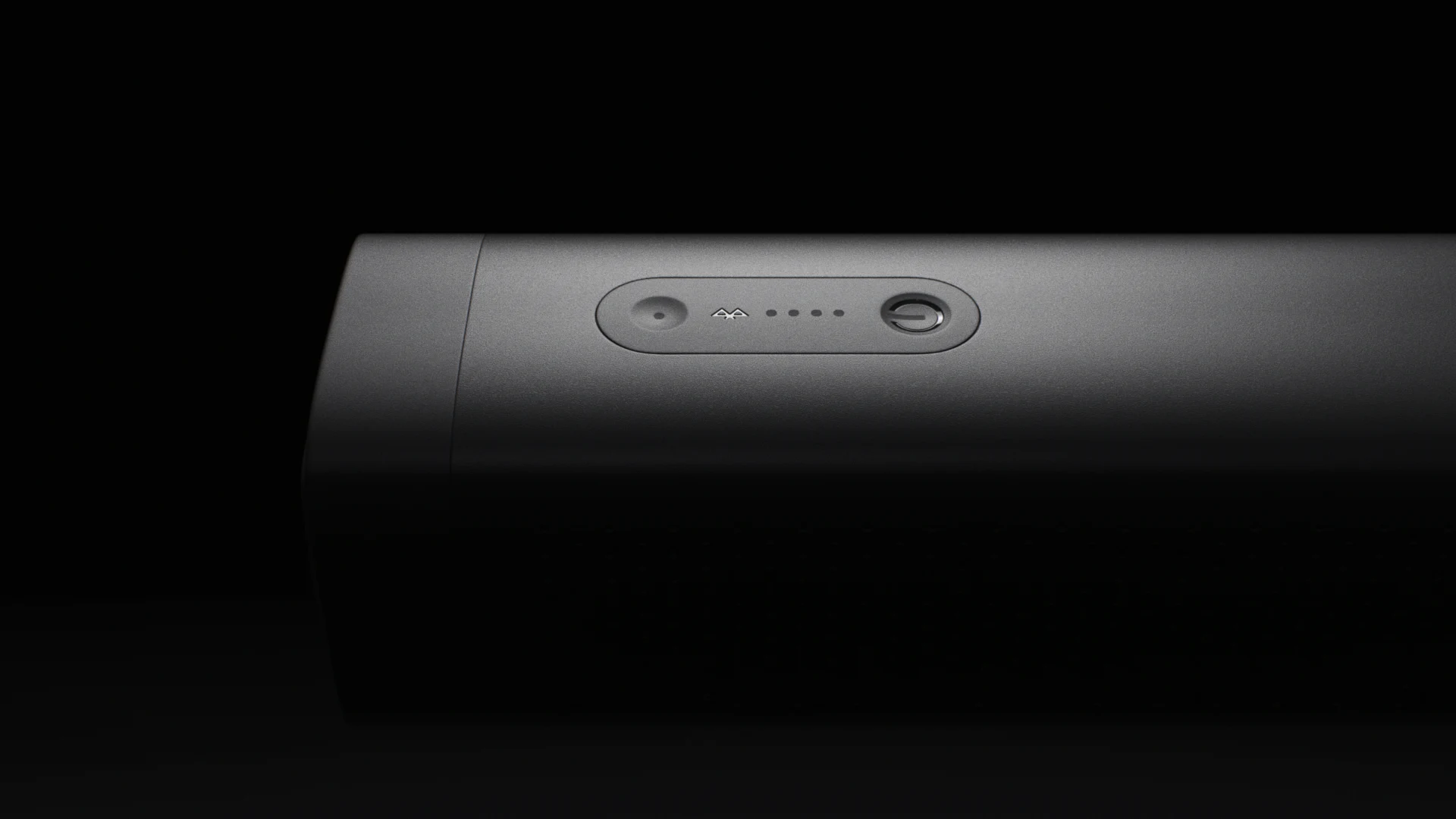
— The Product
— The Companion App
The app had to turn a rugged hardware battery into something a user could understand and trust.
A row of LED dots
Time-to-empty and time-to-full
One device, no app
Multi-device over Bluetooth
No visibility
Update, error, and critical warnings
The Saber shipped to mass production, rugged and IP67-rated, with the app as its on-screen sidekick.
Full charge, fastest in class
Drop and water resistant
Power bank capacity
Shipped to mass production
The UI/UX and interaction design for the Saber companion app, the power-telemetry screens, the pairing and multi-device flows, and the product direction as CPO.
Bose Acoustical Modeling
Want something like this?
Start a conversation→