
DESIGNTHATSHIPS
25 years of shipped product, from the Kindle in your hand to the trucks on the road. Now I pair with AI agents to take a design from Figma to a working Next.js front-end and the MySQL behind it, fast.
“The rarest of designer leaders. A force multiplier.”

My app builds playlists that match your pace. Set a tempo yourself, or let it work one out. Run turns a distance and a goal time into your stride. Golf times your swing so impact lands on the beat. Bike and Snow read a day you recorded and change tempo where the hill does. Live skips the file and builds the playlist from your steps while you move. Every playlist pulls from an owned database of 2.75 million+ verified-BPM tracks, growing daily. Free, and live in both stores right now.

On the phone. All ten screens from the store listing.

Five ways in. Tempo, Run, Golf, Bike, and Snow, each with a line on what it reads.

Golf. Full swing or putting. Pick a preset, or let the app find your swing tempo.

Musical preference. Pick your genres, an artist it should favor, and an era.

Save to Apple Music, Tidal, or YouTube Music, or share a link. Spotify opens to everyone at 250k monthly listeners.

Live setup. Pick Hike, pick Apple Watch or Phone only, and go. No file, no watch required.

Seven Live activities. All day, Walk, Run, Hike, Bike, Snow, and Skate, each with a line on what it reads.

Ready to go. 650 rock songs lined up, 60 to 180 BPM. Tap Start, pocket the phone, and move.

Mid-session. The orb, Zone 2 rock, the song BPM, and your steps per minute.

Now playing, with the reason the song was picked. Skip, Pause, End, or Send it for a faster song right now.

A session, kept. 43 minutes, 4,638 steps, 390 feet up, saved as a playlist with its own cassette.
On the Apple Watch. All seven screens from the store listing.

Live on the wrist. 79, below Zone 2, and the orb says so.

Picking up. The next song is already chosen, 129 BPM. Pause, Skip, Send it, or End.

All day. Music that flows with your day, played from your phone.

Walk. Your steps set the beat.

Bike. The road sets the beat.

Snow. Skin up to your strides, drop in with the beat.

Golf, on the watch. Lead wrist, three practice swings. The watch counts and taps.
Free. No ads, no trackers, no data sales. Live in both stores right now.
Shipping product at scale
Skill endorsements
Production case studies, live now
Samsung · Amazon · Bose · Intuit
The Work.
Six production case studies, all live right now. The full stories, specs, and the 3D shop are one tap away.


Designer who builds.
Builder who designs.
UI/UX Design
Design systems, interaction design, and motion, documented all the way through handoff. I start from first principles and the work holds up when other people have to build on it.
- →Design systems & tokens
- →Interaction & motion design
- →Figma → dev handoff specs
- →Accessibility (WCAG 2.1 AA)
UI Design (37) · Interaction (31) · UX (31) · Visual (16)
Front-End Engineering
Fast, instrumented front-ends in Next.js or React, with motion built in as a system from day one. I treat Lighthouse 95+ as the floor.
- →Next.js / React build
- →Framer Motion + scroll choreography
- →Performance budgets & Core Web Vitals
- →Component libraries
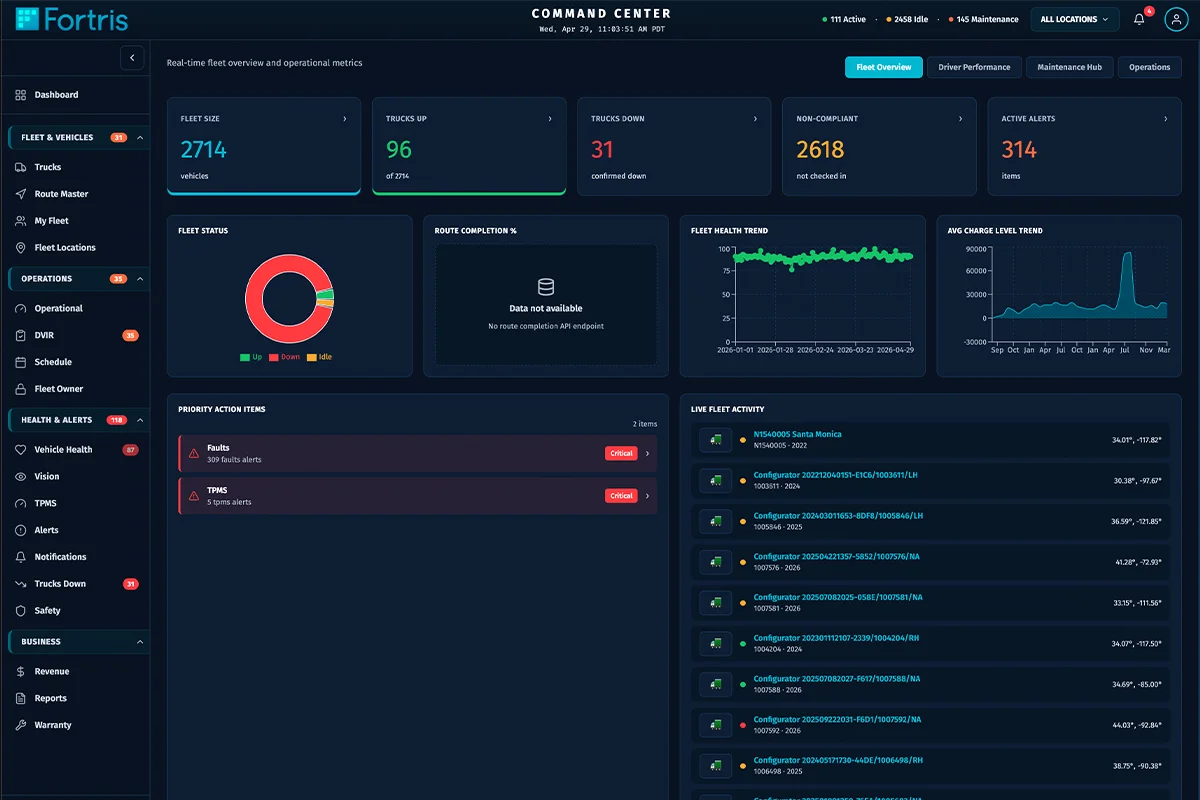
Shipped React/TS at Battle Motors, Fortris, EA
Front-End + Live Data
I build fast front-ends and the live data they run on. battlemotors.com is mine front to back: the React UI and the MySQL behind truck inventory and dealers, built with agentic AI. When a project needs the data layer, I can build that too.
- →MySQL-backed sites
- →Live inventory & dealer data
- →Admin & dealer dashboards
- →API integration
battlemotors.com front-end + MySQL, built with agentic AI
25 years of
shipped product.
I currently lead design at Battle Motors. Before that: Samsung, Amazon Lab126 on the Kindle, Bose, Intuit, and Romeo Power. I've owned the product story, the design system, and the front-end, wired to the live data and APIs behind it.